

Are you looking to become an official part of the political revolution initiated by Thalapathy Vijay? With the massive launch of Tamilaga Vettri Kazhagam (TVK), thousands of passionate supporters and citizens are stepping forward to join the movement. The party has embraced a completely digital, streamlined, and user-friendly approach for its membership drive, eliminating the need for long queues or physical paperwork.
This comprehensive guide will walk you through the entire process of how to apply for a TVK membership card online. Whether you prefer using a web browser, a dedicated mobile application, or simple messaging platforms like WhatsApp and Telegram, we have got you covered. By following the steps outlined below, you can secure your official digital identity within the party in just a few minutes.

The Vision Behind Tamilaga Vettri Kazhagam (TVK)
Before diving into the technical application steps, it is essential to understand the modern framework of TVK. Thalapathy Vijay’s political entry marks a significant shift towards technology-driven governance and grassroots connectivity. By launching the TVK membership drive entirely online, the party aims to maintain absolute transparency, eradicate intermediary hurdles, and directly connect the state leadership with the cadres working at the booth level.
The digital membership card serves as more than just a token of support; it is a gateway to active political participation. Through the interconnected database, the party leadership can accurately assess their strength across various districts, organize targeted campaigns, and empower local leaders. The digital infrastructure ensures that every member is officially verified, uniquely identified, and kept in the loop regarding all upcoming party events and initiatives.
Essential Prerequisites for TVK Membership Registration
The application process has been designed to be as accessible as possible, but you must keep a few basic details handy before you begin. Gathering these details in advance will ensure a smooth, uninterrupted registration experience.
- An Active Mobile Number: You must have a working 10-digit mobile number. This will act as your primary login ID and will be verified via a One-Time Password (OTP).
- Your Official Voter ID (EPIC Number): This is the most crucial piece of information required. TVK uses your Voter ID number to automatically map your profile to your exact district, assembly constituency, and local polling booth. Whether your home constituency is in Chennai, Dindigul, or Coimbatore, the system uses the Election Commission’s data to place you in the correct local party hierarchy.
- A Clear Digital Photograph: You will need a recent, clear passport-style photograph. You can either capture a live selfie during the application process or upload a pre-saved image from your device’s gallery. This image will be printed directly onto your final TVK membership card.
- Basic Personal Information: Ensure you know your exact date of birth, current residential address, and your localized booth details if you are registering without your Voter ID on hand.
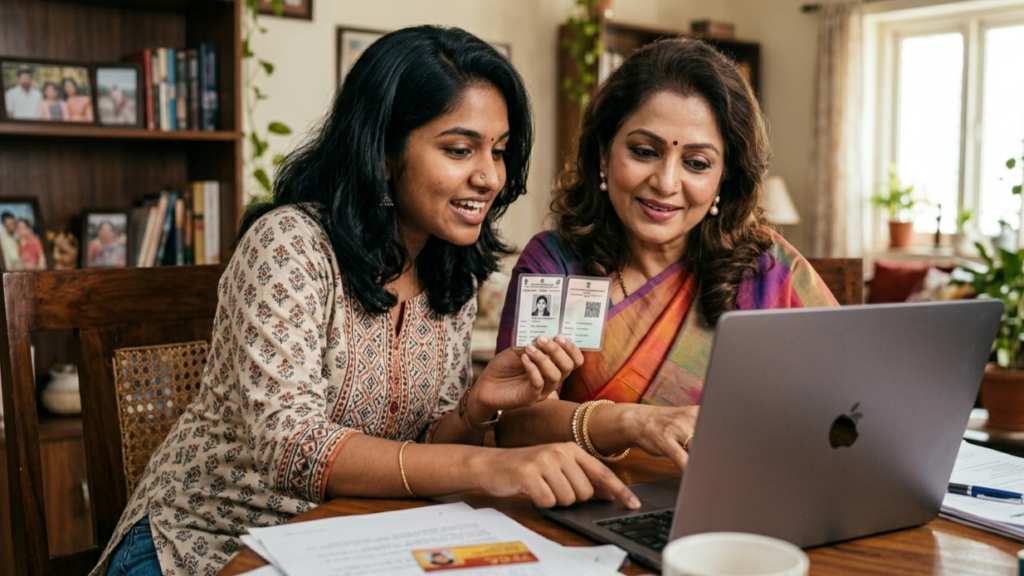
Method 1: Applying via the Official TVK Web Portal
For users who prefer registering on a desktop, laptop, or standard mobile web browser, the official web portal offers a clean and fast registration route.
- Step 1: Access the Portal: Open your preferred web browser and navigate to the official TVK membership website at tvk.family. Ensure you are visiting the official link to protect your personal data.
- Step 2: Enter Your Mobile Number: On the homepage, you will be greeted with a welcome banner in Tamil. You will be prompted to enter your 10-digit mobile number to identify yourself.
- Step 3: OTP Verification: Once you submit your mobile number, the system will instantly send a secure One-Time Password via SMS. Enter this OTP into the required field to verify your identity and proceed.
- Step 4: Provide Voter ID Details: The portal will ask for your EPIC number (Voter ID). Enter it carefully. The intelligent backend system will process this number and automatically fetch your associated polling booth and constituency details.
- Step 5: Upload Your Photo: You will be prompted to either take a live picture using your webcam/mobile camera or upload a clear photo from your files. Ensure your face is clearly visible, as this will be the official picture on your ID.
- Step 6: Generate and Download the Card: After reviewing your details, click on the final submit button. The system will instantly generate your personalized, high-resolution digital TVK membership card. You can download this image to your device, print it out, or share it directly on your social media profiles.

Method 2: Using the “My TVK” Mobile Application
To keep cadres constantly updated and engaged, the party has launched the “My TVK” official app. This is the recommended method for those who want to stay involved in the party’s long-term activities.
- Step 1: Download the App: Open the Google Play Store on your Android device or the App Store on your iOS device. Search for “My TVK” (developed by Tamilaga Vettri Kazhagam). Verify the developer details to ensure you are downloading the authentic application.
- Step 2: Install and Open: Install the application and open it. You will be asked to grant necessary permissions, such as camera access (for your profile picture) and storage access (to download the final card).
- Step 3: Secure Login: Similar to the web portal, enter your mobile number and authenticate your session using the OTP sent to your SMS inbox.
- Step 4: Complete Your Profile: Navigate through the on-screen prompts. Input your Voter ID number to allow the app to sync your political geography. The app’s interface is highly responsive and adapts to guide you smoothly through the data entry.
- Step 5: Photo Capture: Use the app’s built-in camera feature to snap a quick, well-lit selfie.
- Step 6: Access Your Dashboard: Once registered, your digital membership card will be permanently stored within the app. You can view, download, or share it anytime. Beyond the card, the app provides a localized dashboard where you can view member data for your specific booth, report ground activities, and receive direct notifications from the party leadership.
Method 3: WhatsApp and Telegram Bot Registration
Understanding that millions of citizens heavily rely on instant messaging, TVK has integrated automated bot registrations through WhatsApp and Telegram. This is arguably the fastest method for everyday smartphone users.
- Step 1: Initiate the Chat: Save the official TVK membership WhatsApp number to your contacts, or search for the official verified TVK Telegram bot using the links provided on their official social media handles.
- Step 2: Send a Greeting: Open the chat and send a simple “Hi” or “Vanakkam”. The automated bot will instantly reply with a welcoming message and a set of instructions.
- Step 3: Follow the Prompts: The bot will guide you step-by-step in a conversational manner. First, it will ask you to confirm your mobile number via a secure prompt. Next, it will request your Voter ID number.
- Step 4: Send Your Photo: You can simply attach and send a clear photo directly in the chat window, just like you would send an image to a friend.
- Step 5: Receive Your Card: Within seconds of verifying your details and processing your image, the bot will reply with your customized TVK membership card in JPEG or PNG format. You can instantly save it to your camera roll.
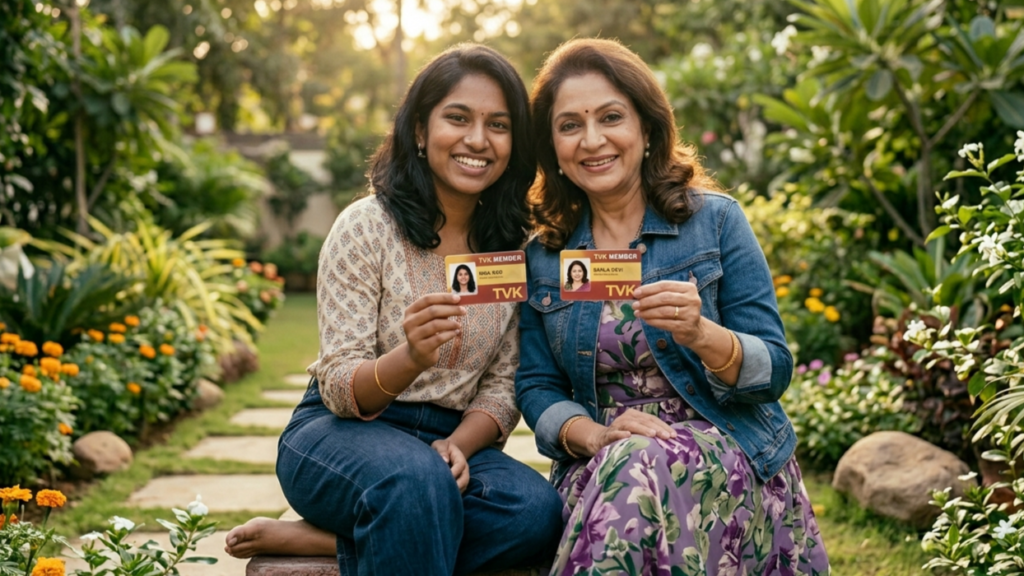
What Details Are Printed on Your Digital Card?
Once you successfully complete the application process through any of the methods above, you will receive a professionally designed digital ID. This card acts as your official recognition within the party structure. It typically features:
- Your clear, uploaded photograph.
- Your full legal name as registered.
- A unique, digitally generated TVK Membership Identification Number.
- Your specific District and Assembly Constituency.
- The official party logo and a digitized signature or stamp of authority from the party leadership.
Why You Should Secure Your TVK Membership Card Today
Acquiring the TVK membership card is the first definitive step toward participating in Thalapathy Vijay’s vision for a transparent and progressive political future. It is not merely a symbolic gesture; it integrates you into an active, organized network. Cardholders, especially those who utilize the My TVK app, gain the ability to share suggestions directly with state-level leadership, participate in coordinated local campaigns, and actively analyze performance metrics within their respective booths.
Furthermore, the digital nature of the card ensures that your data is encrypted, secure, and cannot be easily forged. As the party gears up for upcoming state elections and massive statewide campaigns, having your official membership ID ensures you are officially counted, recognized, and ready to contribute to the grassroots movement.
Frequently Asked Questions (FAQs) About TVK Registration
Is there any application fee to join TVK?
No, the membership drive is entirely free of cost. The party does not charge any hidden fees for registering online, downloading the app, or generating the digital membership card.
What if I do not have a Voter ID card?
While the Voter ID (EPIC number) is highly recommended for accurate booth mapping, the platforms typically offer alternative ways to manually select your district, constituency, and local area during the registration process. However, providing a Voter ID ensures the most accurate placement in the party database.
Is my personal data safe with the TVK application?
Yes. According to the official privacy policies, the application utilizes encrypted transit protocols to secure your data. The information collected is strictly used for internal cadre management, event coordination, and constituency mapping, and is not sold to third-party data brokers.
Can I correct mistakes on my membership card?
If you notice any spelling errors or incorrect constituency mapping on your downloaded card, you can usually rectify this by logging into the “My TVK” app with your registered mobile number and updating your profile details in the settings menu.
Conclusion
Joining Tamilaga Vettri Kazhagam has never been easier thanks to their robust technological infrastructure. Whether you choose the official website, the feature-rich mobile app, or the convenient WhatsApp bot, the process takes mere minutes. Equip yourself with your Voter ID, take a great selfie, and secure your TVK membership card today to officially become a part of this new political era.