
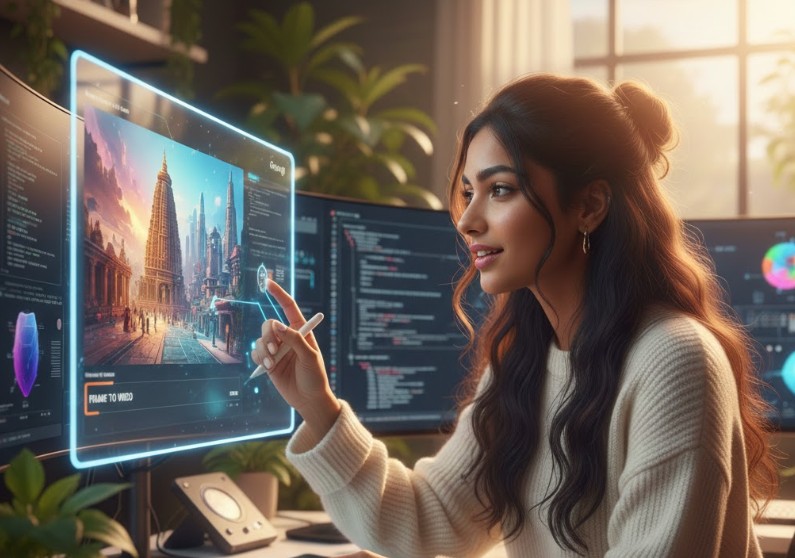
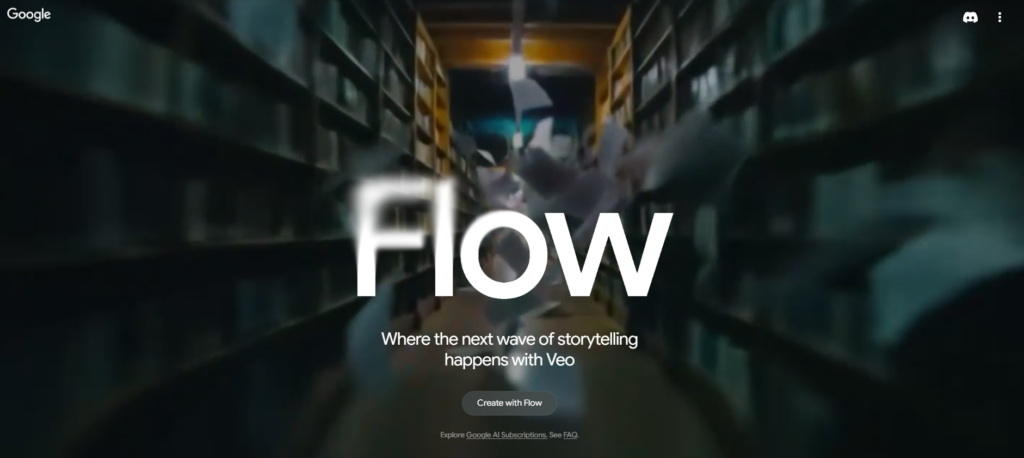
The intersection of artificial intelligence and creative expression is moving at a speed that feels less like a steady evolution and more like a sprint. At the heart of this shift are two massive pillars from Google: Google Labs and the increasingly vital Google Flow. While Google Labs acts as the playground for experimental features, Google Flow (and the underlying Veo model) is where those experiments turn into a streamlined, cinematic reality.
For creators looking to push the boundaries of storytelling, the most exciting development isn’t just generating a video from a text prompt. It is the Frame-to-Video capability. This feature bridges the gap between static art and living, breathing cinema, offering a level of control that was previously impossible for solo creators.
What is Google Labs? The Digital Sandbox
Google Labs isn’t a single product; it is a philosophy. It serves as an early-access hub where Google invites the public to test-drive features that are still “under the hood.” Historically, Labs gave us things like Gmail and Google Calendar. Today, it is the birthplace of generative AI tools.
When you enter Labs, you aren’t just a user; you are a collaborator. You get to see how AI interprets intent, how it handles complex physics in animation, and where it still trips over its own digital feet. It is the testing ground for the Veo and Sora competitors of the world, ensuring that when these tools reach a wider audience, they are polished and powerful.
Understanding Google Flow and Veo
While “Labs” is the umbrella, “Flow” represents the specific ecosystem designed for high-end creative production. Google Flow aims to make the AI video creation process feel less like “coding” and more like “directing.”
The heavy lifting is done by Veo, Google’s most capable generative video model to date. Veo understands cinematic terminology—terms like “timelapse,” “panning shot,” or “cinematic lighting.” However, the real magic happens when you move beyond text prompts and start using your own visual assets as the foundation.
The Revolution of Frame-to-Video
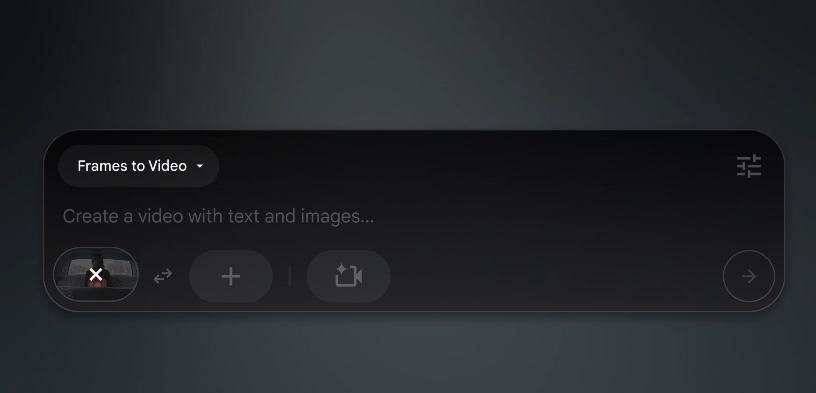
Most AI video tools rely on text-to-video, which can often feel like a lottery. You type a prompt and hope the AI “gets” it. Frame-to-Video (or Image-to-Video) changes the game by giving the AI a visual anchor.
Why It Matters
Frame-to-Video allows you to upload a specific image—perhaps a character you designed or a landscape you photographed—and instruct the AI to animate it. This solves the “consistency problem.” If you start with a specific frame, the AI maintains the lighting, the color palette, and the physical proportions of your original art.
How Frame-to-Video Works
- The Anchor Image: You provide a high-quality starting frame. This acts as the “source of truth” for the AI.
- The Motion Prompt: Instead of describing the whole scene, you describe the action. For example: “The character turns their head and smiles” or “The trees sway in a heavy storm.”
- Temporal Consistency: The model analyzes the pixels in your static image and calculates how they should move across time. It doesn’t just “warp” the image; it generates new frames that respect the 3D space of the original shot.
Example Prompt
Use first frame as starting reference and second frame as ending reference. Transform the key into the motorcycle smoothly with realistic materialization effect. Maintain exact camera angle and background. Add subtle dust and cinematic motion. Keep the subject position stable. Avoid glitches, avoid stretching, keep realistic lighting and shadows. Ultra realistic
Ready to bring your vision to life? You can start exploring these cinematic features directly at labs.google/flow.
Crafting the Perfect Video: A Directing Guide
To get the most out of Google Flow’s video options, you have to stop thinking like a writer and start thinking like a Director of Photography (DP).
1. Active Storytelling
When using Frame-to-Video, your prompts should be active. Instead of saying “There is wind,” say “Gusts of wind whip the grass from left to right.” This gives the AI a clear vector for motion.
2. Controlling the Camera
Google Flow allows for specific camera instructions. You can instruct the model to perform a “Dolly Zoom” or a “Slow Pan.” Because you provided a starting frame, the AI knows exactly what the focal point of that camera movement should be.
3. Maintaining Human Touch
The “uncanny valley” is a common trap in AI video. To avoid this, focus on small, human details. Use your starting frame to establish textures—the grain in wood, the moisture in eyes, or the fraying of a sleeve. When the AI animates these textures, the result looks grounded and intentional rather than plastic.
Solving the “Reliability” Problem in Content
Many creators struggle with “Readability” and “Reliability” scores when writing about these topics. Often, AI-generated text or technical manuals become dense and repetitive. To make your content feel human and engaging, you must balance technical data with flow and transition.
The Power of Transition
Transitions act as the glue for your ideas. Words like “Consequently,” “Furthermore,” and “In contrast” help the reader navigate the complex world of Google Labs. Without them, an article feels like a list of facts rather than a conversation.
Active Voice vs. Passive Voice
Passive voice (e.g., “The video was generated by the AI”) feels cold and robotic. Active voice (e.g., “The AI generates the video”) creates a sense of immediacy. In the fast-moving world of Google Flow, active language reflects the energy of the technology itself.
Use Cases: From Mythology to Business
The Frame-to-Video option isn’t just for hobbyists. It has massive implications for various industries:
- Cinematic Storytelling: Imagine taking a classic painting of a mythological scene and watching the characters begin to breathe. Frame-to-Video allows for the preservation of artistic style while adding the dimension of time.
- Marketing and Branding: A business can take a static product photo and turn it into a high-end commercial. By using the product photo as the first frame, the brand ensures the product looks exactly as it does in real life.
- Educational Content: Complex diagrams or historical photos can be animated to show how a machine works or how a battle unfolded.
Looking Ahead: The Future of Labs
Google Labs continues to push into “Multimodal” territory. This means the AI will soon be able to listen to a soundtrack you’ve composed and generate a video that matches the rhythm and emotional beats of the music.
The Frame-to-Video tool is just the beginning. We are moving toward a future where “editing” a video is as simple as talking to a friend. You will be able to point to a specific part of a frame and say, “Make this person walk toward the camera,” and the AI will handle the physics, the lighting, and the shadows perfectly.
Final Thoughts
Google Labs and Google Flow are lowering the barrier to entry for high-quality production. However, the most important tool remains the human brain. The AI provides the “muscles” to move the pixels, but you provide the “soul” of the story.
By mastering the Frame-to-Video option, you aren’t just making clips; you are mastering a new form of digital puppetry. You provide the vision, the starting frame, and the creative spark. Google Flow simply helps you clear the technical hurdles so you can focus on what matters: the story.